Diamond Pattern for Photoshop
Enhance your creative projects with elegant diamond patterns for Photoshop. Whether you’re working on luxurious branding, sparkling invitations, or geometric designs, these patterns add a sophisticated touch to your work.
Features of Diamond Patterns for Photoshop
- High Resolution: Crisp and detailed patterns that maintain quality in any size.
- Versatile Designs: From sparkling diamond textures to geometric diamond shapes.
- Easy Customization: Seamless integration with Photoshop layers and styles.
- Multiple Uses: Perfect for invitations, wallpapers, packaging, and web design.
Popular Types of Diamond Patterns
- Glitter Diamond Patterns: Add a sparkling, glamorous effect to your designs.
- Geometric Diamond Patterns: Clean, sharp shapes for modern and minimalistic projects.
- Luxurious Diamond Textures: Ideal for creating an upscale and elegant appearance.
- Vintage Diamond Patterns: Give your designs a classic, retro vibe.
How to Use Diamond Patterns in Photoshop
- Download the diamond pattern file (.PAT).
- Open Photoshop and go to
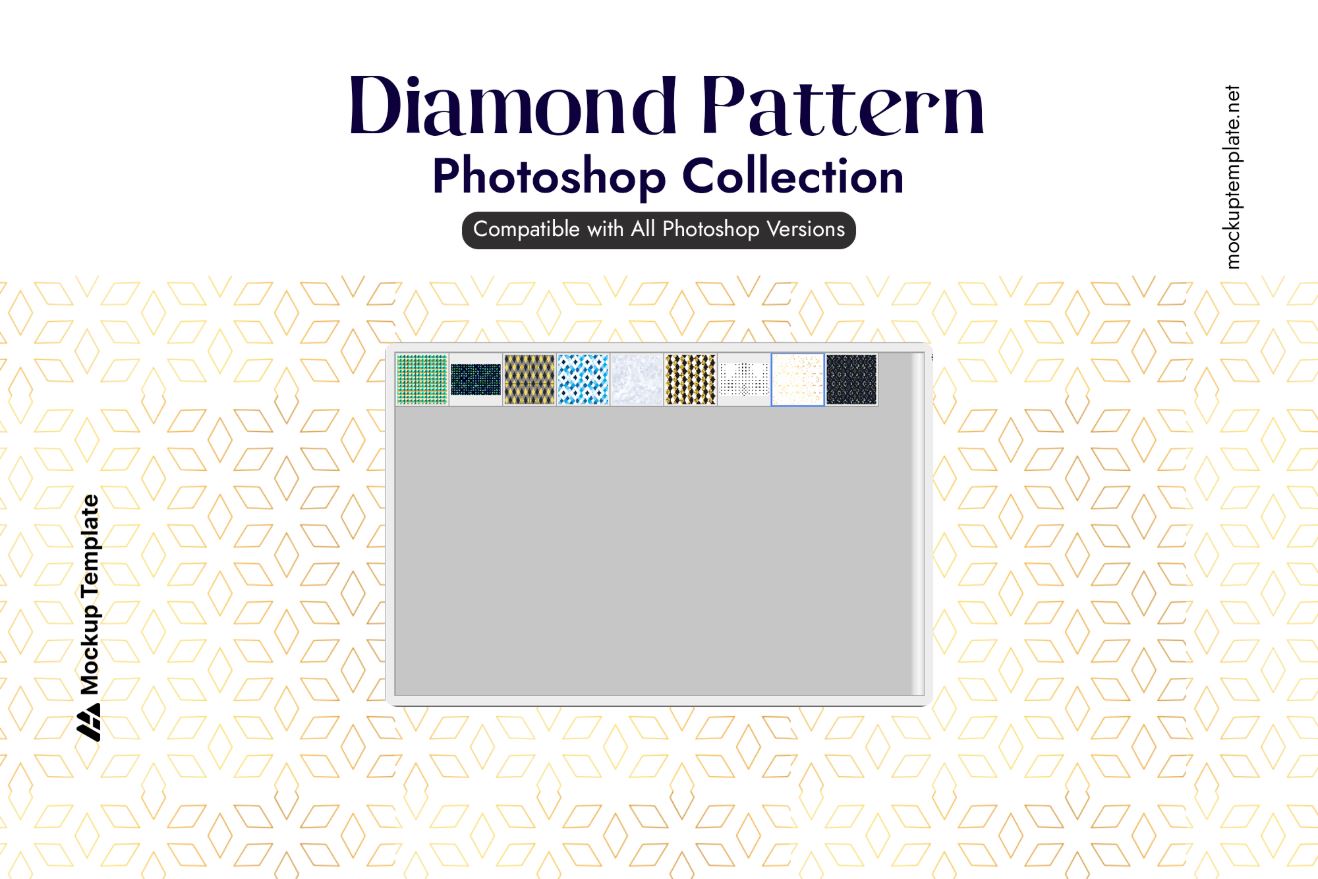
Edit > Presets > Preset Manager. - Choose “Patterns” from the dropdown menu and load the .PAT file.
- Apply the pattern to your artwork using the Pattern Overlay option or the Fill tool.
Why Use Diamond Patterns?
- Enhances Visual Appeal: Adds sophistication and depth to your projects.
- Time-Saving: Ready-to-use patterns for quick and professional results.
- Customizable: Scale and adjust colors to fit your design needs.
Related Resources
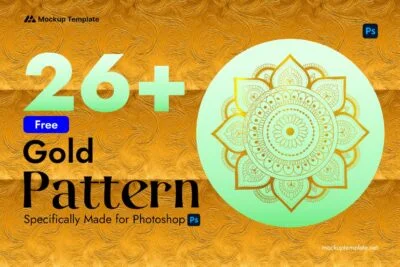
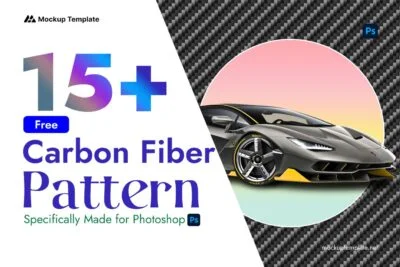
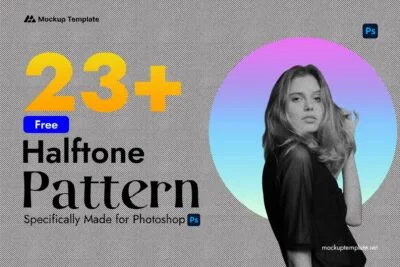
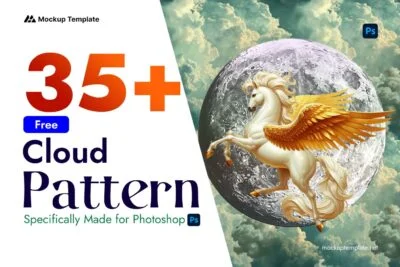
Looking for more Photoshop patterns? Check out: