


Free Brand Bible Mockup PSD Templates
Download high-resolution, fully editable brand bible mockup PSD files. Present your brand guidelines, style guides, and identity systems to clients with confidence — no photography required.
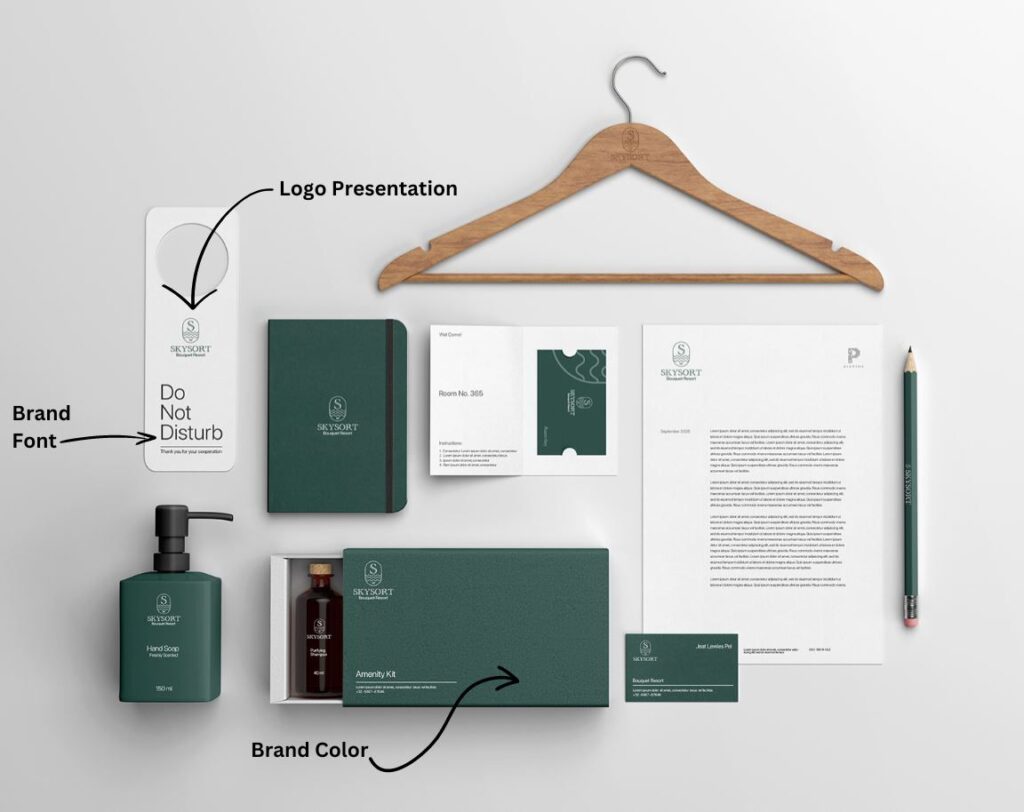 ✦ Free PSD Download
What Is a Brand Bible — and Why Do You Need a Mockup?
A brand bible — also known as a brand style guide or brand guidelines document — is the definitive reference that defines how a brand looks, speaks, and behaves across every touchpoint. It covers logo usage rules, primary and secondary color palettes, typography scales, imagery tone, tone of voice, and messaging pillars.
For graphic designers and brand agencies, a brand bible mockup is an indispensable presentation tool. Instead of handing a client a flat PDF, you present your brand guidelines inside a photorealistic scene: a beautifully lit hardcover document on a desk, open to a color palette page, alongside business cards and stationery. It transforms hours of strategy work into something tangible and impressive.
"A brand bible mockup is a PSD presentation template that places your completed brand guidelines design into a realistic scene — letting you showcase the final document to clients before it's printed or published."
Every brand bible PSD mockup on this page uses Smart Object layers in Adobe Photoshop — meaning you double-click a layer, paste your design, save, and the mockup updates automatically. No complex masking or perspective work required.
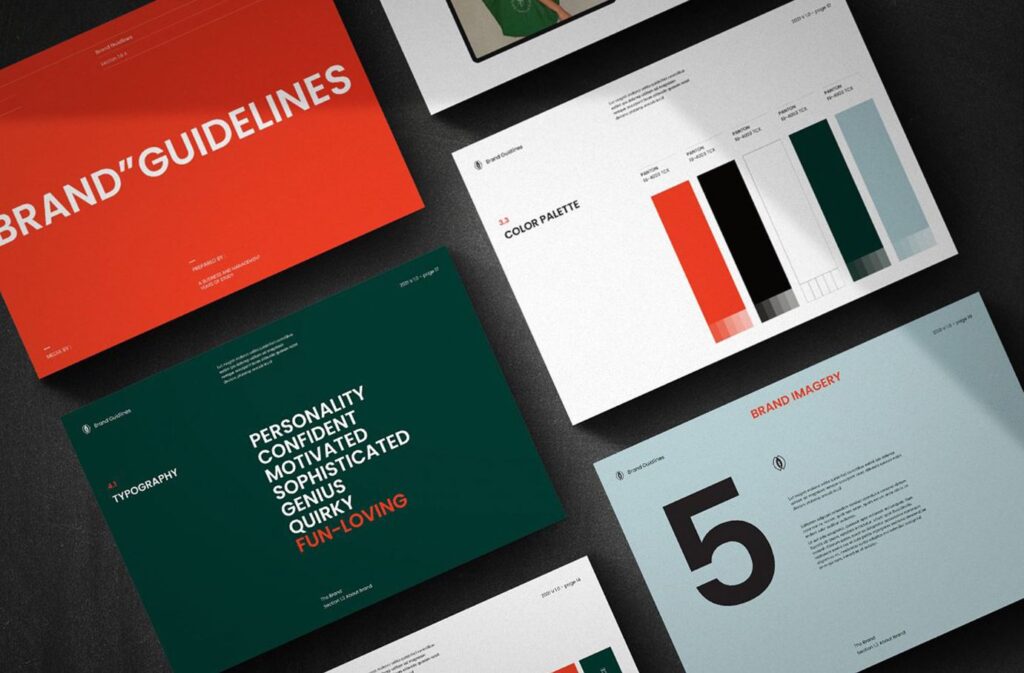
What's Included in Every Brand Bible Mockup PSD
Each free brand bible mockup template is built for professional presentations. Here's what to expect in every file:
Smart Object Layers
Every PSD file includes Smart Objects so you can insert your brand guidelines design in seconds — just double-click and replace.
High-Resolution Output
Files are optimised for both screen presentations and print-ready exports at 300 DPI. Present at any scale without quality loss.
Fully Editable Backgrounds
Background colours, shadows, and props are all separated on individual layers. Customise every element to match your brand.
Multiple Angles & Scenes
Many files include front-facing, angled, and flat-lay scenes so you can choose the perspective that best suits your client presentation.
Instant Free Download
No sign-up or subscription required. Click download, get the PSD file immediately, and start presenting your brand work within minutes.
Commercial Use License
All mockups are free for commercial projects. Use them in client presentations, portfolio pieces, and agency deliverables without restriction.
How to Use a Brand Bible Mockup in Photoshop
Four steps from download to a polished client presentation.
Download the PSD file
Choose a brand bible mockup from above and click "Download Free". Save the PSD file to your project folder.
Open in Photoshop
Open the PSD in Adobe Photoshop CS6 or newer. Locate the Smart Object layer in the Layers panel — it's usually labelled "Your Design Here".
Insert your brand guidelines
Double-click the Smart Object thumbnail to open it. Paste or drag your brand bible design (PDF or image export). Save and close the Smart Object.
Export for the client
The mockup updates instantly. Go to File → Export → Export As, choose PNG or JPEG, and your professional brand bible presentation is ready to share.
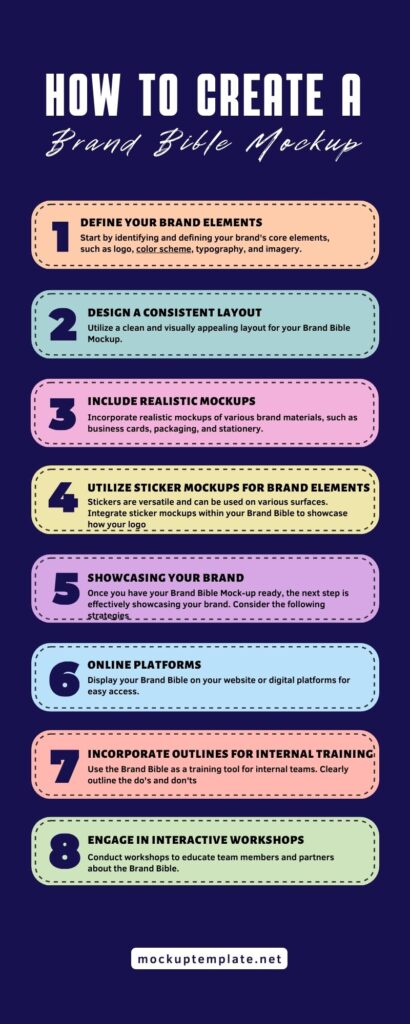
Brand Bible vs Brand Guidelines — What's the Difference?
Designers often use "brand bible" and "brand guidelines" interchangeably, but they serve subtly different purposes. Understanding the distinction helps you choose the right mockup style for your project.
- Brand Bible: A comprehensive master document covering visual identity, tone of voice, brand story, messaging strategy, culture, and values. Typically 30–80 pages. Intended for internal teams and agency partners.
- Brand Guidelines / Style Guide: A focused visual reference covering logo rules, color palette, typography, and imagery guidelines. Often 10–20 pages. Shared with printers, vendors, and contractors.
- Brand Identity Mockup: A PSD presentation showing the brand's visual system — stationery, business cards, signage — in a realistic environment. Used during and after the branding project to present the full identity.
For most freelance and agency projects, you'll deliver all three. Our branding mockup collection covers every document type — from slim style guides to full brand bible presentations.
What Should a Brand Bible Include?
When creating a brand bible — and choosing the right mockup to present it — knowing what the document must contain is essential. A complete brand bible includes these core sections:
- Brand Story & Mission — the founding narrative, core values, and why the brand exists
- Logo Usage Rules — primary logo, variations, clear space, minimum sizes, and prohibited uses
- Color Palette — primary, secondary, and neutral colours with HEX, RGB, and CMYK values
- Typography System — headline, body, and accent fonts with size scales and pairing rules
- Imagery Style — photography tone, illustration style, icon family, and pattern usage
- Tone of Voice — language style, key messages, words to use and avoid
- Applications — how the brand appears on business cards, packaging, digital ads, signage, and uniforms
Our Bible Mockup PSD is specifically designed to showcase multi-page brand bible documents with full-bleed spreads — perfect for all sections above.
Choosing the Right Brand Bible Mockup
Use this guide to match your project type to the best mockup style in our collection.
| Project Type | Best Mockup Style | Smart Objects | Scene Type | Best For |
|---|---|---|---|---|
| Full Brand Bible (30–80 pages) | Bible Mockup PSD | ✓ | Hardcover book, desk | Agency client deliverables |
| Brand Identity Presentation | Brand Identity Mockup | ✓ | Full stationery set | Freelance portfolio & client pitches |
| Stationery & Collateral | Branding Stationery Mockup | ✓ | Flat lay, leaf shadow | Social media & Behance posts |
| Industry-Specific Branding | Hotel Identity Mockup | ✓ | Luxury props | Hospitality, food & beverage brands |
| Full Branding Bundle | Construction Branding Bundle | ✓ | Multi-item bundle | Construction, architecture, industrial |
Frequently Asked Questions
Everything you need to know about brand bible mockups and PSD templates.
A brand bible mockup is a realistic PSD presentation template that shows how a completed brand guidelines document looks in a real-world setting — on a desk, held in hand, or displayed alongside brand assets. Graphic designers and brand agencies use them to present branding work to clients before the final document is printed or published.
A brand bible is the comprehensive master document covering every aspect of a brand — visual identity, tone of voice, messaging, and culture. Brand guidelines (or a style guide) typically focus only on the visual rules: logos, colors, and typography. A brand bible is broader and more strategic, while brand guidelines are a practical visual reference for designers and vendors.
A standard brand bible ranges from 20 to 60 pages depending on the brand's complexity. Startups and small businesses often use a condensed 10–15 page version covering the essentials. Enterprise brands and those with multiple product lines may produce documents of 80+ pages covering sub-brands, regional guidelines, and extensive tone-of-voice chapters.
Yes. All brand bible mockup PSD files on this page are fully editable in Adobe Photoshop CS6 or newer using Smart Objects. Simply double-click the Smart Object layer in the Layers panel, paste your brand bible design, save and close the Smart Object file, and the mockup updates automatically. No complex masking or perspective warping required.
Yes, all 26+ mockups listed on this page are free to download and use for both personal and commercial design projects. No sign-up, subscription, or attribution is required. Each file is a high-resolution PSD with editable Smart Objects and separated background layers.
Most brand bible mockup templates are provided as PSD (Photoshop Document) files. Some are also available in AI (Adobe Illustrator) format. PSD files are the most versatile because they support Smart Objects, layer groups, and adjustment layers — giving you full creative control over the final presentation.
Canva cannot natively open PSD files with Smart Objects. However, you can export your brand bible design as a PNG from Canva, then open the PSD mockup in Photoshop and place the PNG into the Smart Object layer. Alternatively, Canva Brand Hub has its own built-in brand guidelines tool if you prefer to stay within Canva's ecosystem.